Tinkercad Tutorials
Tinkercad’s built-in tutorials let you learn independently and return to a skill whenever you need it.
Find Tutorials from the dashboard or navigation menu:
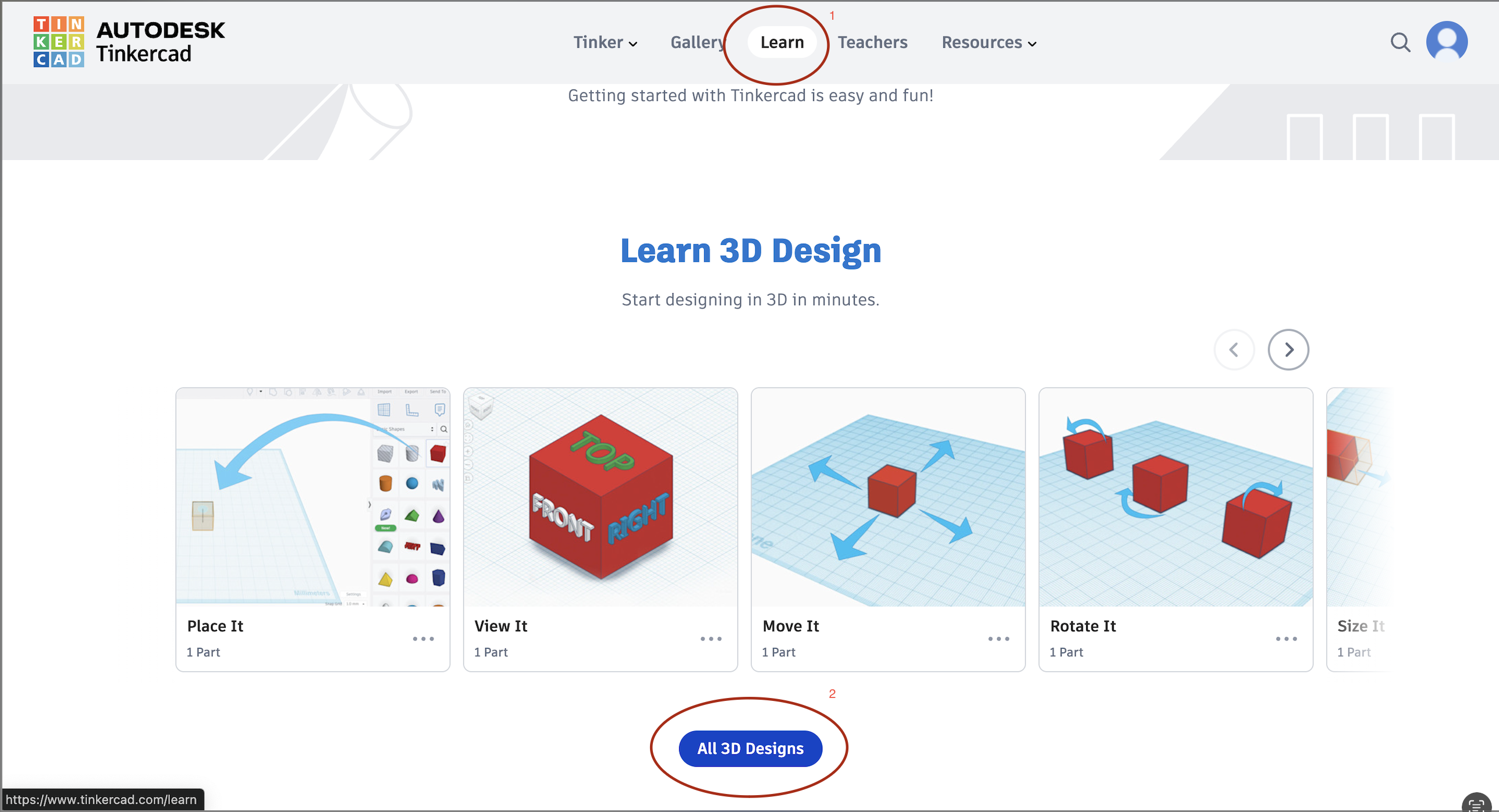
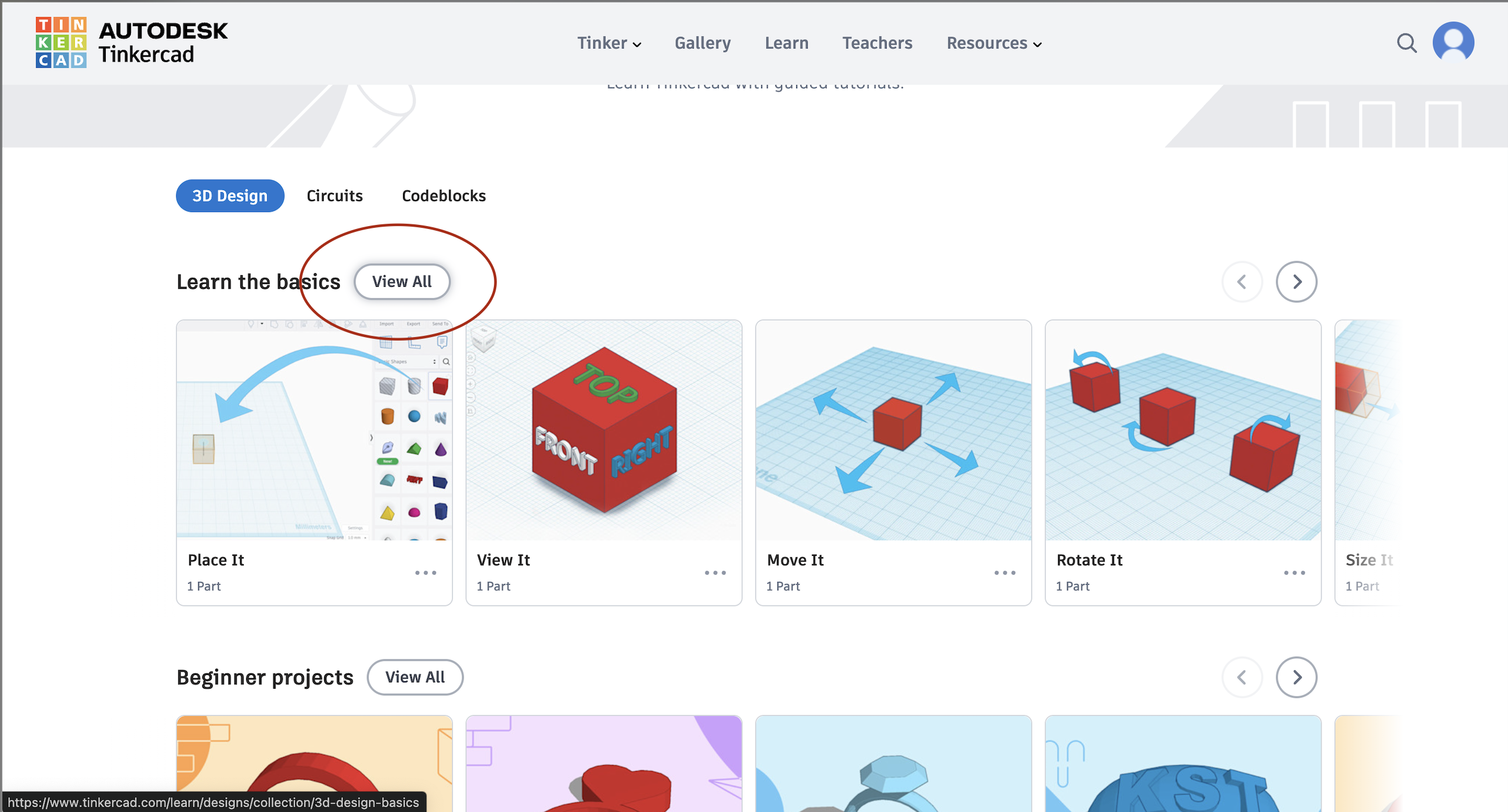
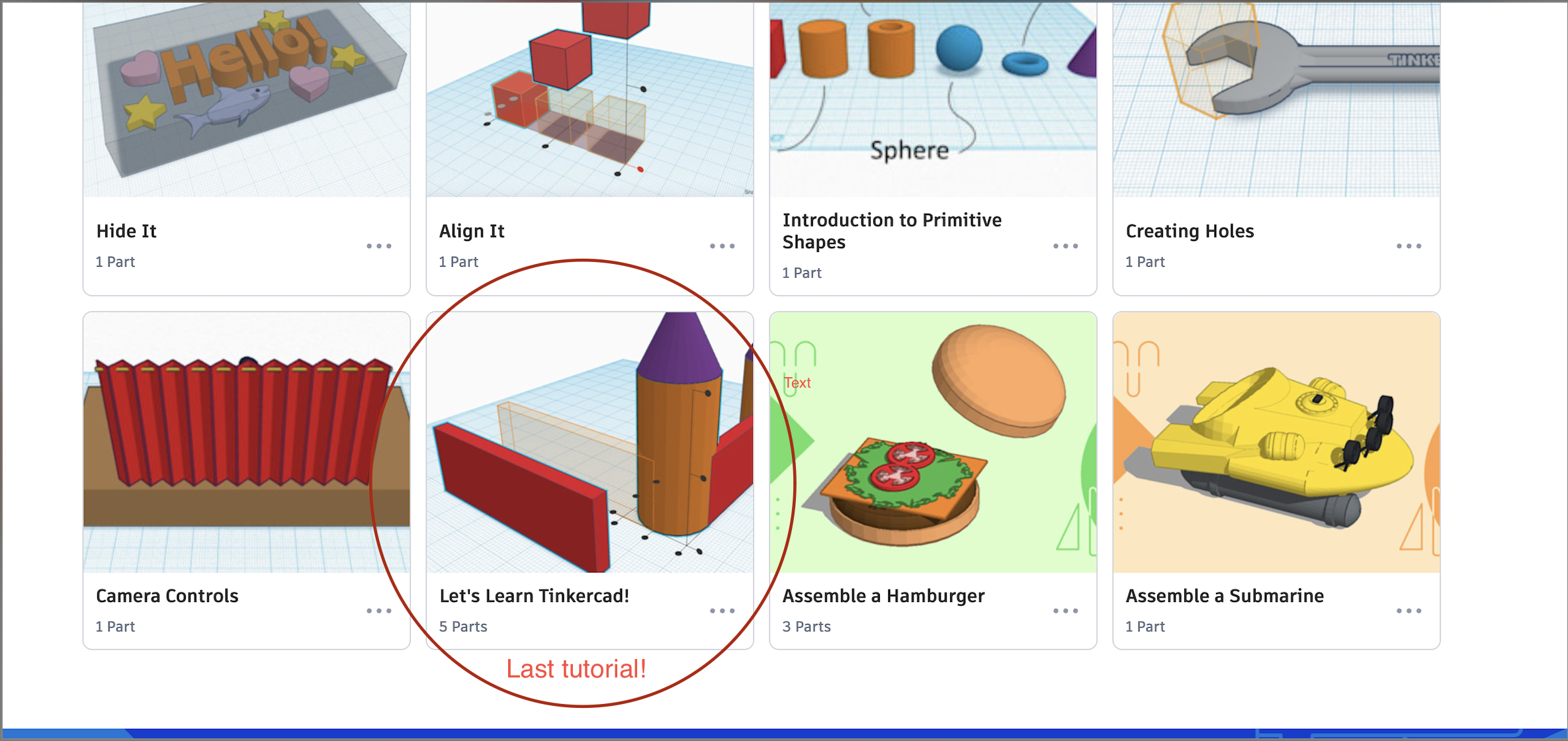
Complete the tutorials in order:
- Place It
- View It
- Move It
- Rotate It
- Size It
- Group It
- Copy It
- Duplicate It
- Hide It
- Align It
- Creating Holes
- Camera Controls
- Let’s Learn Tinkercad
Work at the right level
- Learning: Complete each tutorial and practise the same move in a blank design.
- Ready to apply: Begin the keychain, returning here whenever a skill is unfamiliar.
- Already experienced: Demonstrate grouping, alignment, duplication, holes, accurate sizing, and camera control in a small original skill-check object before moving on.
Tip
Speed is not the goal. Being able to choose and explain the correct tool is more valuable than clicking through every screen quickly.
Curriculum connection
A1.2: Apply technological and STEM concepts while developing a project.
A2.4: Select and use tools appropriately while creating a product.